Kalaloch › Vest: Pacific Ocean
 Kalaloch, Statele Unite ale Americii
Real-Time Environment
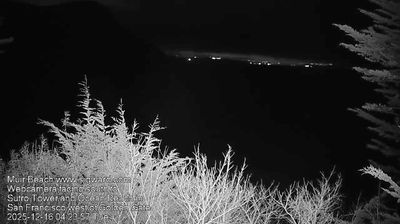
Welcome to the live streaming webcam for Kalaloch › Vest: Pacific Ocean, perfectly situated in the vibrant region of Kalaloch, Statele Unite ale Americii. Watching this live camera allows you to instantly experience the local atmosphere and monitor current climate conditions.

About Kalaloch, Washington
Kalaloch is an unincorporated resort area entirely within Olympic National Park in western Jefferson County, Washington, United States. Kalaloch accommodations, which include a lodge, rental cabins, and campgrounds, are on a 50-foot (15 m) bluff overlooking the Pacific Ocean, west of U.S. Route 101 on the Olympic Peninsula, north of the reservation of the Quinault Indian Nation.
📖 Read more on Wikipedia📍 Location Facts
-
Country
 Statele Unite ale Americii
- Region Washington
- City Kalaloch
- Coordinates 47.6045°N, -124.3724°E
Have you been to Kalaloch?
Help the community! Share your experience, tell us about the weather, or upload your own photos from this exact location.