Tai Po › Est
 Tai Po, China
Real-Time Environment
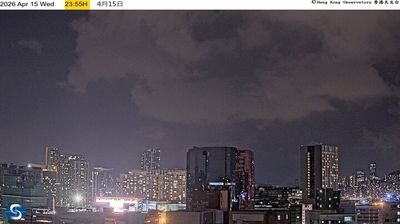
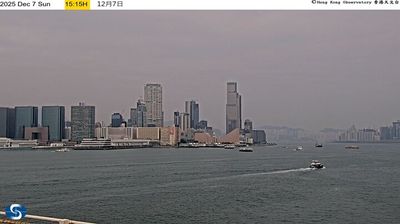
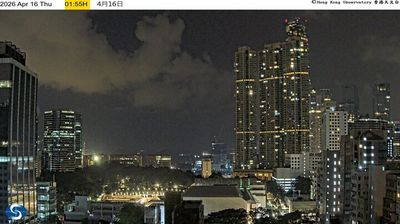
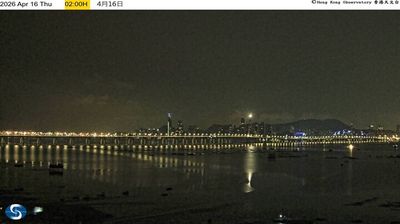
Welcome to the live streaming webcam for Tai Po › Est, perfectly situated in the vibrant region of Tai Po, China. Watching this live camera allows you to instantly experience the local atmosphere and monitor current climate conditions.

About Tai Po
Tai Po is an area in the New Territories of Hong Kong. It refers to the vicinity of the traditional market towns in the area presently known as Tai Po Old Market or Tai Po Kau Hui (大埔舊墟) on the north of Lam Tsuen River and the Tai Po Hui on Fu Shin Street on the south of the Lam Tsuen River, near the old Tai Po Market railway station of the Kowloon-Canton Railway. Both market towns became part of the Tai Po New Town in the late 1970s and early 1980s. In present-day usage, "Tai Po" may refer to the area around the original market towns, the Tai Po New Town, or the entire Tai Po District.
📖 Read more on Wikipedia📍 Location Facts
-
Country
 China
China
- Region Hong Kong
- City Tai Po
- Coordinates 22.4511°N, 114.1681°E
Have you been to Tai Po?
Help the community! Share your experience, tell us about the weather, or upload your own photos from this exact location.