 Live Webcams in Longyearbyen
Explore live streaming views from Longyearbyen, . Check current weather conditions, traffic, and beautiful local spots.
Latest Cameras
24 streams found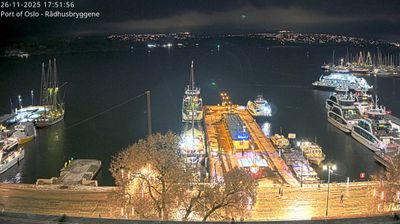
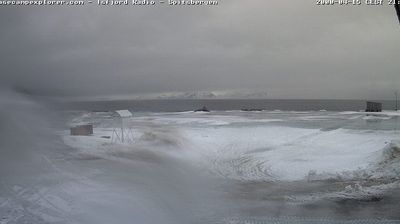
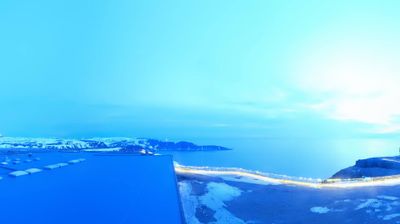


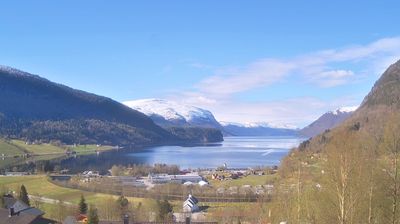
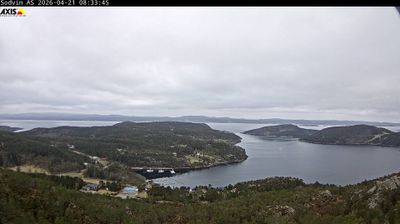
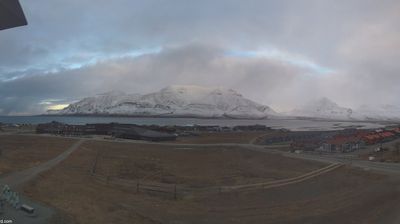
Virtual Travel to Longyearbyen
Whether you are planning a real-world visit or just digital globe-trotting, the live webcams in Longyearbyen offer an unfiltered glimpse into daily life. Watch the sunrise, check the local traffic before your commute, or simply enjoy the urban and natural landscapes that make this location unique. Bookmark this page to easily return and check the live weather conditions anytime.

About Longyearbyen
Longyearbyen este cea mai mare așezare din insulele Svalbard, situate în Oceanul Arctic și aparținând Norvegiei. Localitatea este situată în partea de vest a insulei Spitsbergen, port la fiordul Adventfjorden. Populația este de aproximativ 2000 locuitori. Așezarea a fost întemeiată în 1906 de către John Munroe Longyear principalul proprietar al Companiei Arctice de Cărbune din Boston. A fost distrus de germani în Al Doilea Război Mondial în anul 1943 și reconstruit după terminarea conflictului. Mineritul și turismul sunt principalele activități. Vegetația este de tundră. Longyearbyen este locul de reședință al guvernatorului din Svalbard.
📖 Read more on Wikipedia