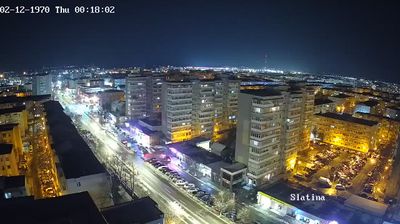
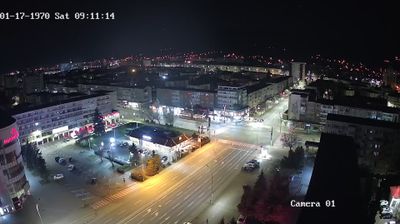
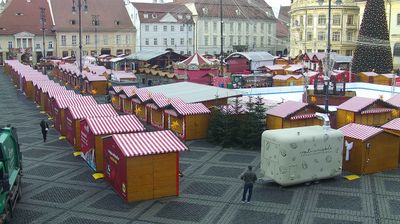
Flag of România

Live Webcams in România

Welcome to the live directory for România. Browse the latest streams below, filter by category, or select a specific region to find local weather, traffic, and panoramic views.

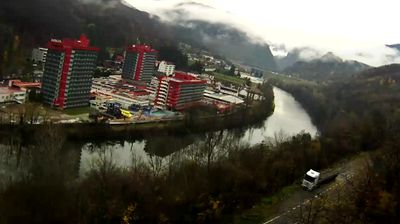
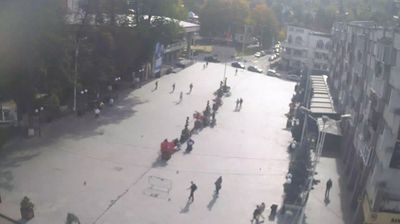
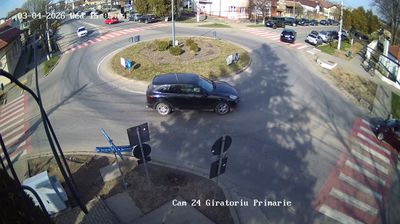
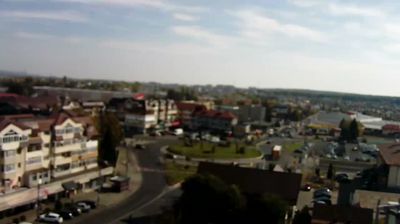
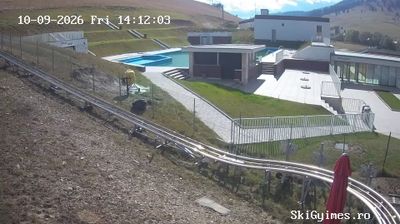
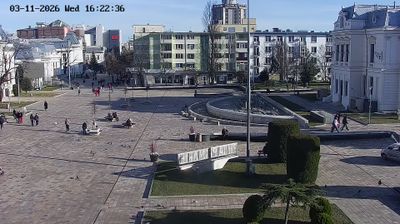
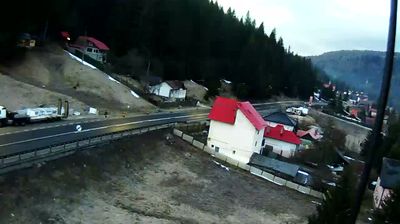
Latest Cameras in România

Why Visit România Virtually?

Planning a trip to România? Or maybe you just miss home? Our curated list of live streams provides high-quality views of the local regions and cities. Check the live weather, see what locals are up to, and enjoy the beautiful views 24/7.


România

About România

România este un stat situat în sud-estul Europei Centrale, pe cursul inferior al Dunării, la nord de peninsula Balcanică și la țărmul nord-vestic al Mării Negre. Numele României derivă din cuvântul latin Romanus, care înseamnă „cetățean al Romei”; regiunea a fost un avanpost al Imperiului Roman în secolul al II-lea d.Hr. Acest nume a fost adoptat în 1861, la doi ani după Unirea Principatelor Române, alegerea sa având și rolul de a sublinia moștenirea comună de origine latină a celor trei mari regiuni istorice, Țara Românească, Moldova și Transilvania, în contextul procesului lor treptat de unificare, desfășurat între mijlocul secolului al XIX-lea și începutul secolului al XX-lea.

📖 Read more on Wikipedia

Frequently Asked Questions

Webcam.beer is a premium global directory of live streaming webcams. We curate and index thousands of real-time cameras from around the world, allowing you to instantly check weather conditions, explore famous tourist spots, view city traffic, and discover beautiful landscapes all in one place.

Yes! The vast majority of the cameras in our network are real-time, live video streams. Some remote or scientific cameras may provide frequently updated high-resolution imagery due to bandwidth constraints in those specific locations.

Absolutely. Browsing, watching, and exploring the webcams on our platform is 100% free. You do not need to pay or create an account to view the live streams.

We love community contributions! You can easily submit a live stream by clicking the 'Add Cam' button in the main menu. Once submitted, our moderation team will review the camera to ensure it meets our quality and safety guidelines before it goes live on the platform.